
Popular Services
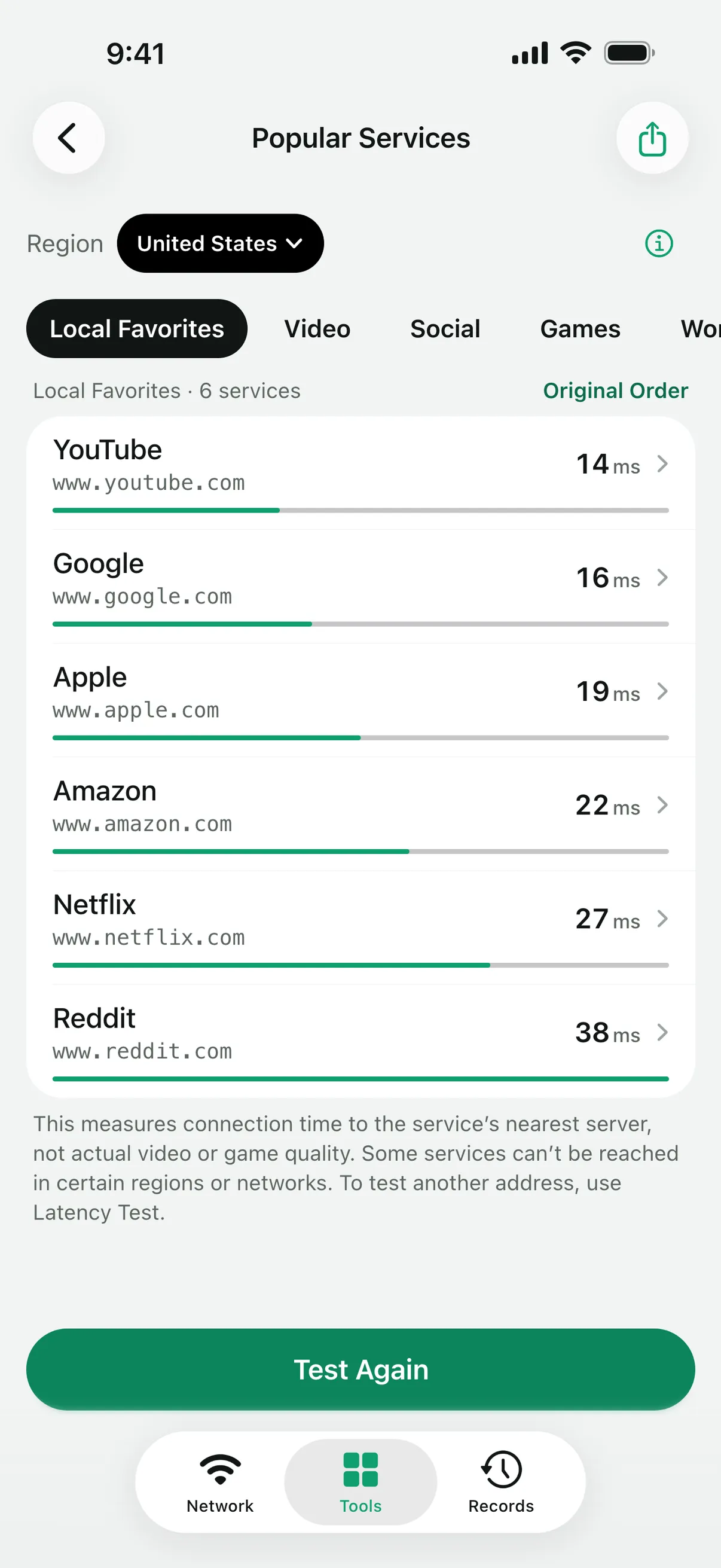
Test how fast a group of popular services connects from your network, such as video, social, games or work and cloud, and see them sorted by connection time.

How it works
For each service in the group, Linkalyst resolves its name with the system DNS and opens three TCP connections to port 443, sending no application data. The middle of the three times is shown.
The groups are Local Favorites, Video, Social, Games, and Work & Cloud. Local Favorites follows the region in your device settings, and you can change the region on the page.
Reading the results
The time is how long it takes to reach that service’s nearest server, so it says nothing about video quality or download speed. A service that cannot be reached from your region or network shows “Can’t connect”, which is not an app fault.
Open a service to fill its address into Latency Test or Port Check as a draft, or share a finished group as a card image. The list is fixed, and results are not saved to Records.
Questions
Why is one service slower than another?
Each service is answered by its own nearest server, which may be in another city or country. The time reflects that path from your network, not the service’s overall speed.
Can I add my own services?
No, the list is fixed. To test any host you choose, use Latency Test or Port Check.
Are the results saved?
No. They clear when you leave the page. Share a card if you want to keep a group’s results.
More tools
Linkalyst is free on the App Store for iPhone and iPad.