A network toolkit for iPhone and iPad.
A network toolkit in your pocket. Check latency, DNS, ports, HTTPS and routes from the phone already in your hand.
The tools
1.3.0 · 11 tools- 01
Latency Test
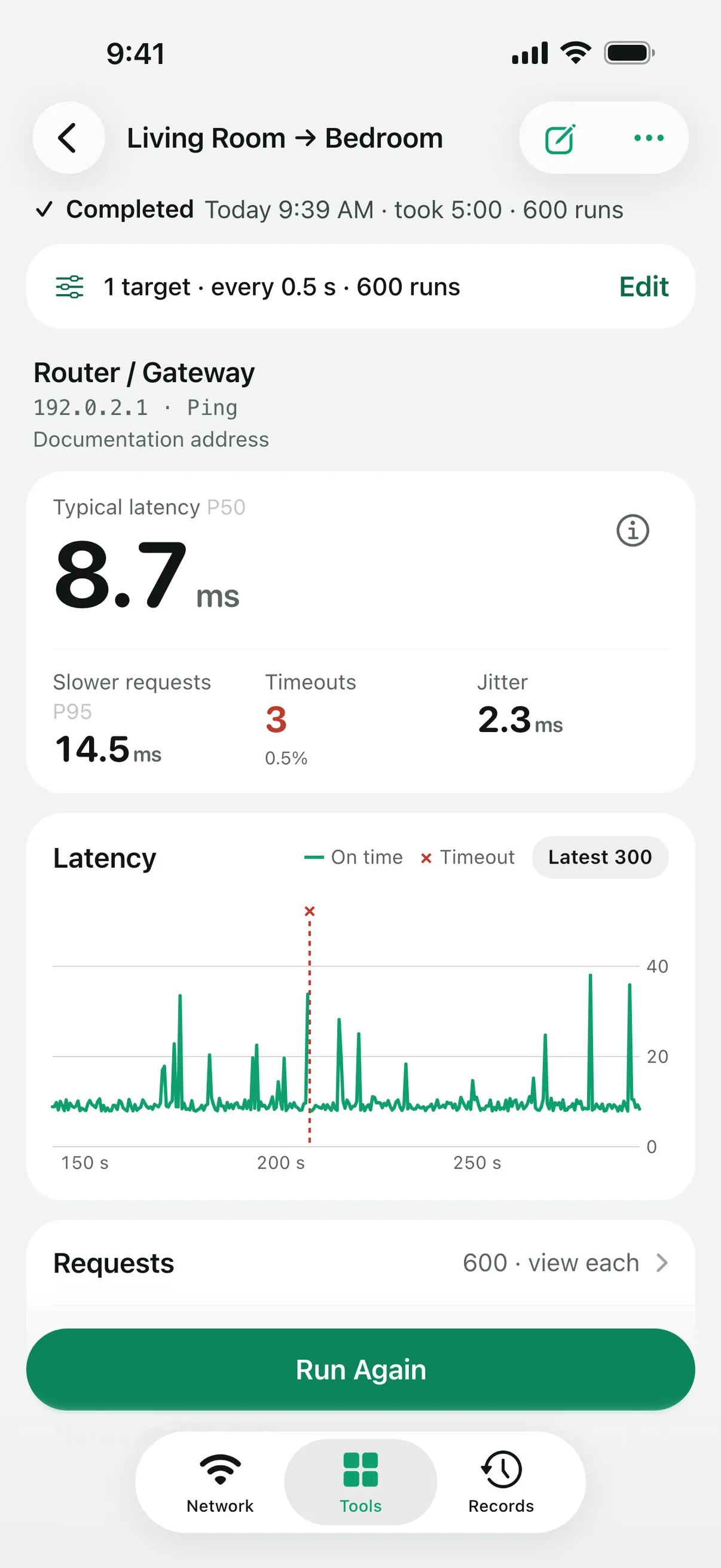
Ping (ICMP) or UDP probes, with latency, jitter and timeouts request by request.
- 02
DNS Lookup
Addresses and eight DNS record types from the system resolver or a server you choose over UDP, TCP, DoH or DoT, and one query compared across up to four resolvers. The system DNS settings stay unchanged.
- 03
Port Check
Whether a TCP port accepts connections, once or up to 50 times in a row. A batch scan checks preset or custom ports on up to 256 addresses, at most 4,096 connections, on devices you are allowed to test.
- 04
Website Check
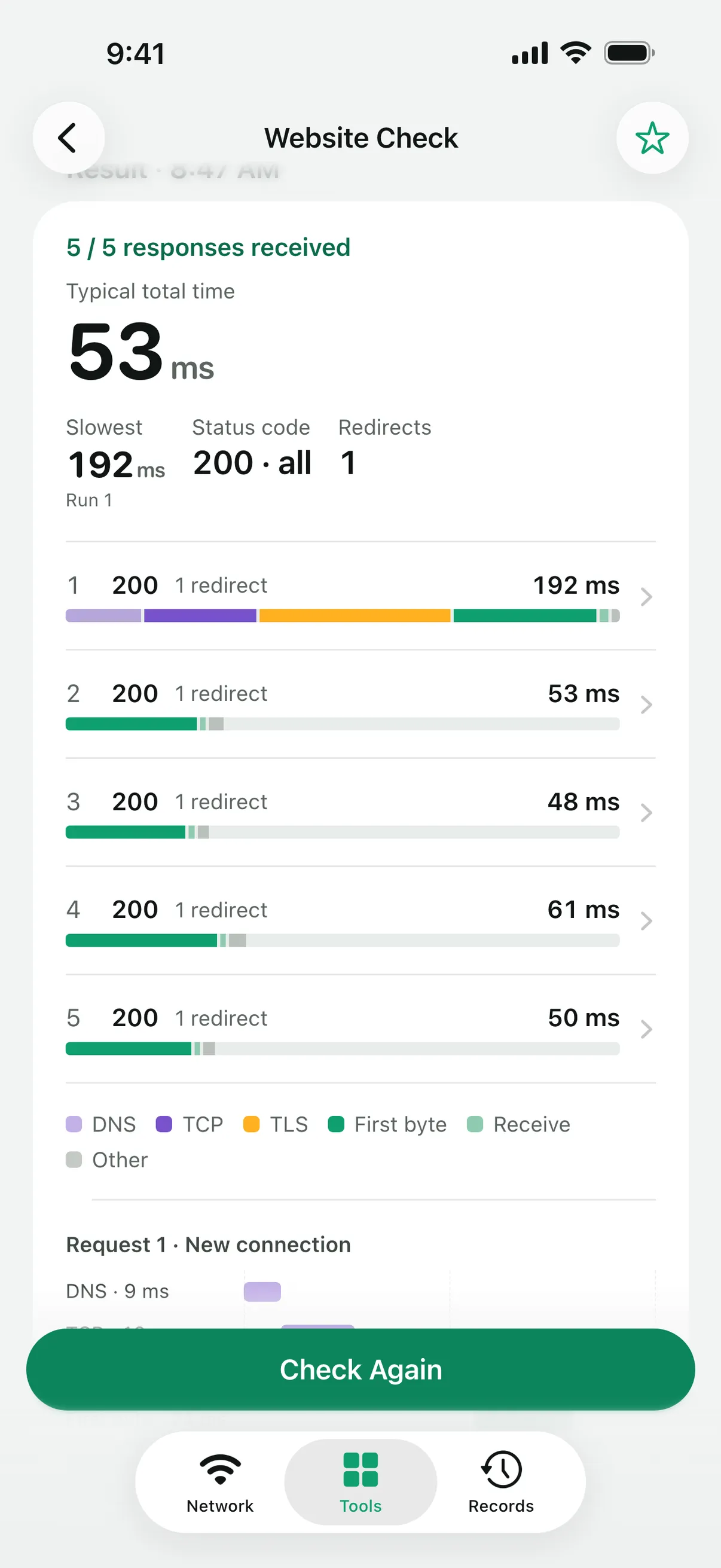
An HTTPS request with phase timings, redirects and the certificate chain.
- 05
Gateway
The gateway the current network reports, ready to fill into other tools.
- 06
Local Services
Bonjour discovery of web, SSH, printing and file-sharing services on the local network, with several service groups at once.
- 07
My Devices
Devices you save by hand or from a port scan or Local Services, with their targets, notes and related reports, optionally grouped by network. They stay on this device and are not included in report iCloud sync.
- 08
Throughput Test
Upload or download over one TCP connection to a test peer you run yourself.
- 09
Download Test
Download speed from a URL you provide, capped at 64 MiB and 10 seconds.
- 10
Route Trace
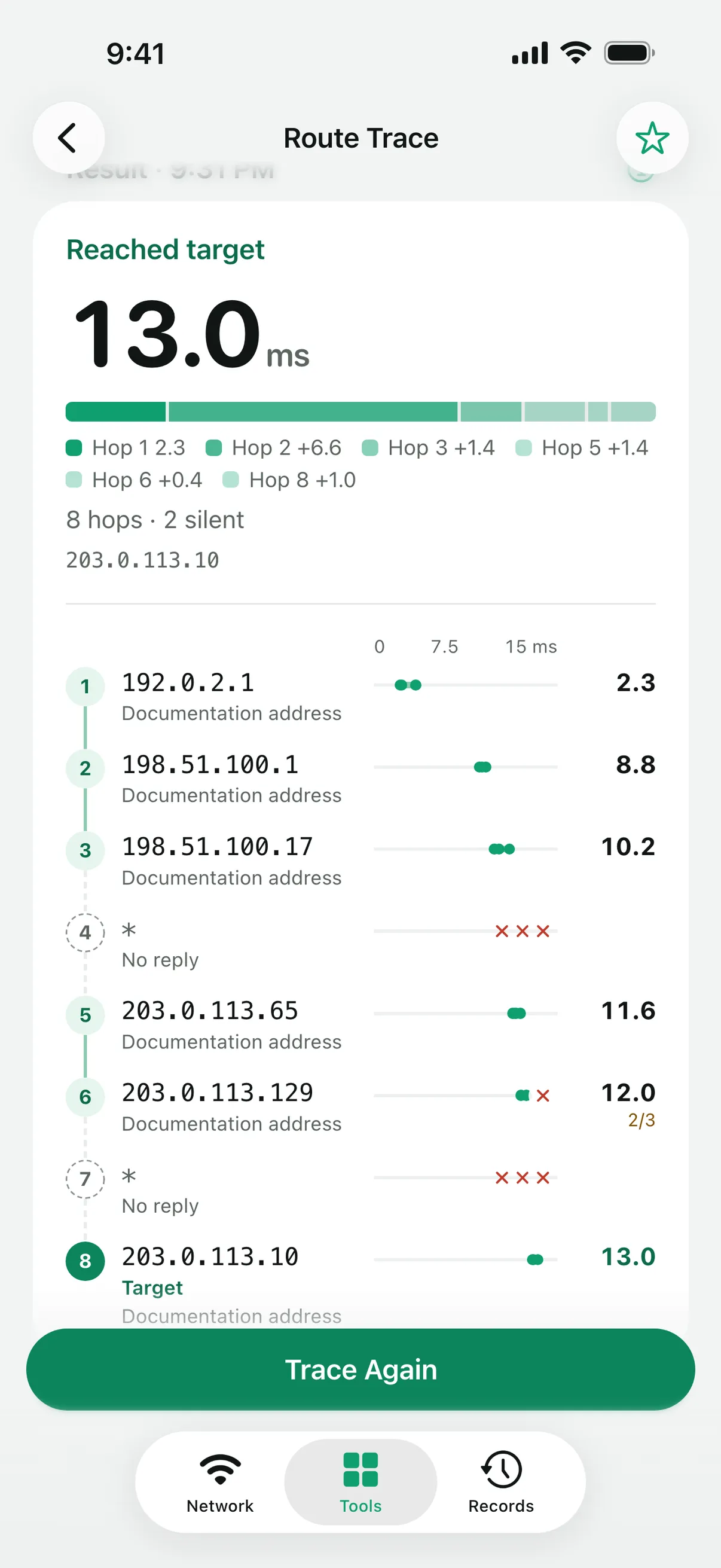
The hops along the path to a target, over IPv4 or IPv6, up to 30 hops.
- 11
Subnet Calculator
IPv4 and IPv6 address ranges from CIDR notation, calculated on the device.
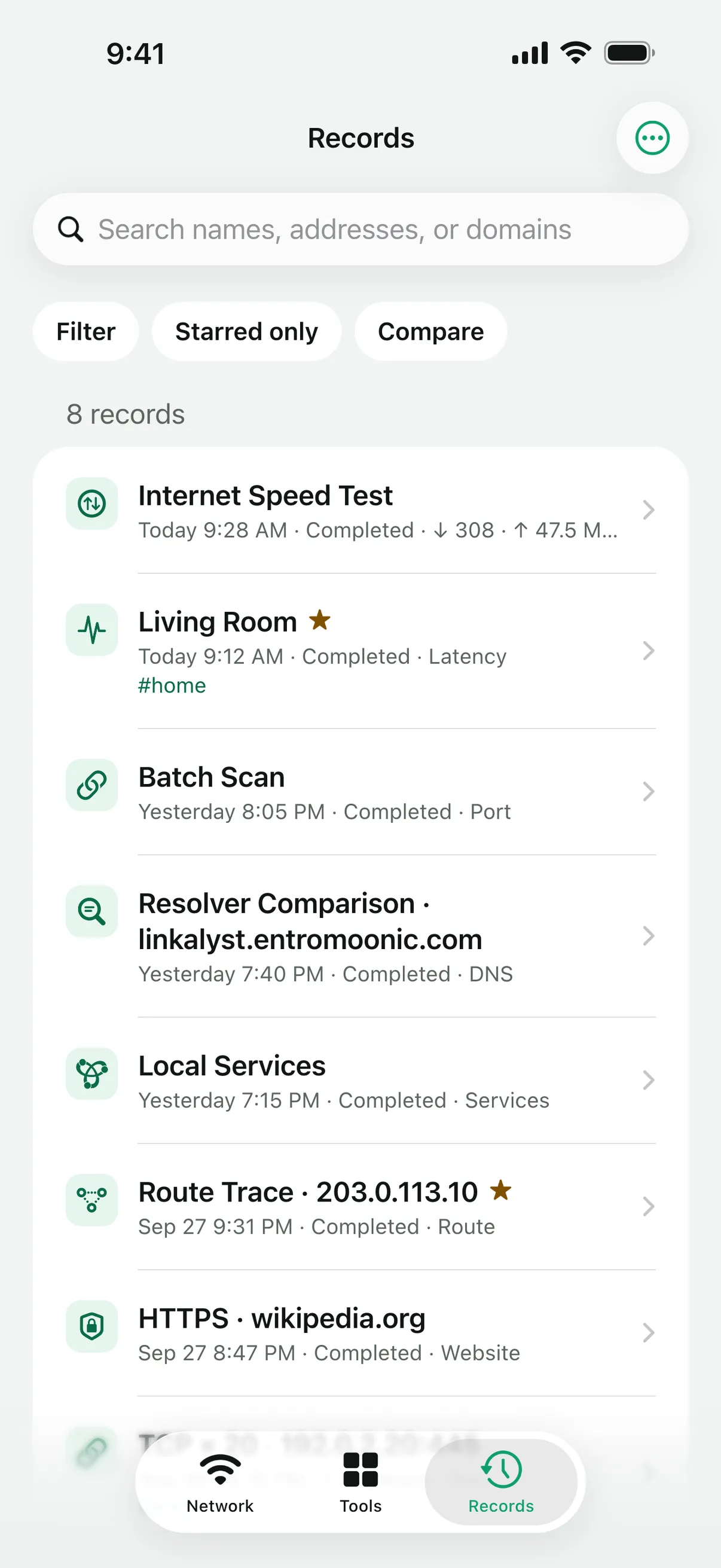
Measurements are kept as reports
Results are written to JSON reports on your device. You can star, tag, search and filter them, and put two side by side.
Compare two reports
Matching targets are compared metric by metric, and latency tests overlay their RTT curves.
Export what you measured
Share a report as JSON, or a latency test’s per-request samples and DNS results as CSV. Reports exported from Linkalyst can be imported again.
Favorites
Tap ☆ in a tool to save the targets and settings you test often and fill them in again later; filling in never starts a test. The gateway the system reports can be filled into other tools too.
Test progress and iPad windows
While a test runs, its progress shows on the Dynamic Island and the Lock Screen. On iPad, the toolkit and a single report can each open in their own window.


Free, with every tool included
Linkalyst is free to download and use, with every tool available. It shows ads, and a one-time purchase removes them all.
- Platform
- iOS / iPadOS 17.0+
- Price
- Free with ads · one-time purchase removes them
- Account
- None required
- App languages
- English · 简体中文 · 日本語 · Français · Deutsch · Italiano